Code Blocks
Code blocks let you write custom PyTorch forward() logic for any node. When the built-in module library doesn’t have what you need, convert a node to a code block and write arbitrary Python.
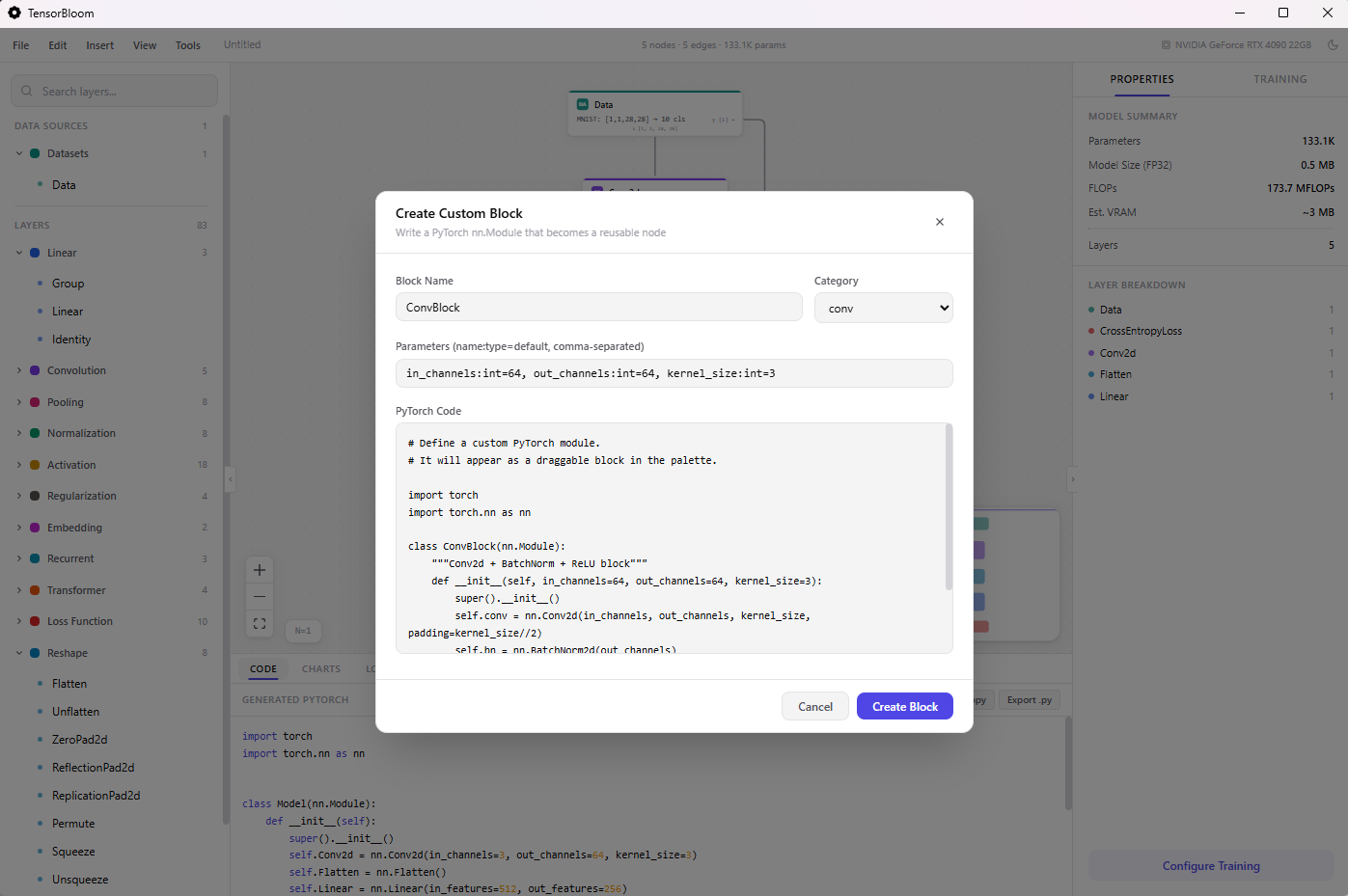
Converting a Node
- Click any node in the graph
- In the Properties panel, scroll down and click Convert to Code Block
- The node switches to code block mode with editable
__init__andforwardsections
Writing Code
A code block has two sections:
__init__ body
Define learnable layers and parameters. torch, nn, and F are available:
self.conv = nn.Conv2d(3, 64, 3, padding=1)
self.bn = nn.BatchNorm2d(64)
self.fc = nn.Linear(64 * 8 * 8, 10)
forward body
Define the forward pass. Input variables match your input handles:
x = F.relu(self.bn(self.conv(x)))
x = F.adaptive_avg_pool2d(x, (8, 8))
x = x.flatten(1)
return self.fc(x)
Input & Output Handles
Code blocks have configurable input and output handles:
- Default: One input (
x) and one output (out) - Add handles: Type a name and click
+ Addin the Inputs or Outputs section - Remove handles: Click the
xbutton next to a handle - Handle names become Python variables — an input handle named
querybecomes the parameterqueryin yourforward()function
Multiple Outputs
For multiple outputs, return a tuple:
# With output handles: features, logits
features = self.encoder(x)
logits = self.classifier(features)
return features, logits
Shape Probing
Click Probe Shape to run your code block with a sample tensor and discover the output shape. This requires the Python sidecar to be running (full desktop app, not browser mode).
The probe sends a small batch through your code and reports the output shape, which TensorBloom uses for shape inference on downstream nodes.
Reverting
Click Revert to Standard to convert back to the original module. Your custom code is discarded and the node returns to its standard parameter-based configuration.
Limitations
- Code runs in the Python sidecar, not in the browser
- Available imports:
torch,torch.nn as nn,torch.nn.functional as F - No external library imports (numpy, scipy, etc.) unless installed in the sidecar environment
- Code blocks may not export cleanly to ONNX if they use unsupported operations
- TorchScript export requires all operations to be scriptable (no dynamic Python control flow)
Example: Custom Attention
# __init__
self.query = nn.Linear(512, 512)
self.key = nn.Linear(512, 512)
self.value = nn.Linear(512, 512)
self.scale = 512 ** -0.5

# forward (input handle: x)
q = self.query(x)
k = self.key(x)
v = self.value(x)
attn = torch.matmul(q, k.transpose(-2, -1)) * self.scale
attn = F.softmax(attn, dim=-1)
return torch.matmul(attn, v)